








Welcome to your Workstation
PCL

Ergonomic Best Practices
Most people are inactive for over 21 hours a day, which can lead to fatigue and health problems. Your workstation encourages regular movement from seated to standing and back again, boosting energy levels and enhancing health.

Adjust your Seat
Your Cosm task chair should fully support your back. Adjust the chair seat to a comfortable height, but make sure your feet are firmly planted onto the floor for balance. Adjust the chair arms so your elbows rest at 90 degrees, with your shoulders relaxed.

Adjust your Table Height
Adjust the table height low enough so your forearms/hands rest evenly on the surface.

Adjust your Flo Monitors
Position the monitor screen at eye level, approximately an arm’s length away from you. While using dual monitors, assure the primary monitor is centered. Be sure to re-adjust your monitors when standing as needed to maintain proper ergonomics
The Mirra 2 Chair
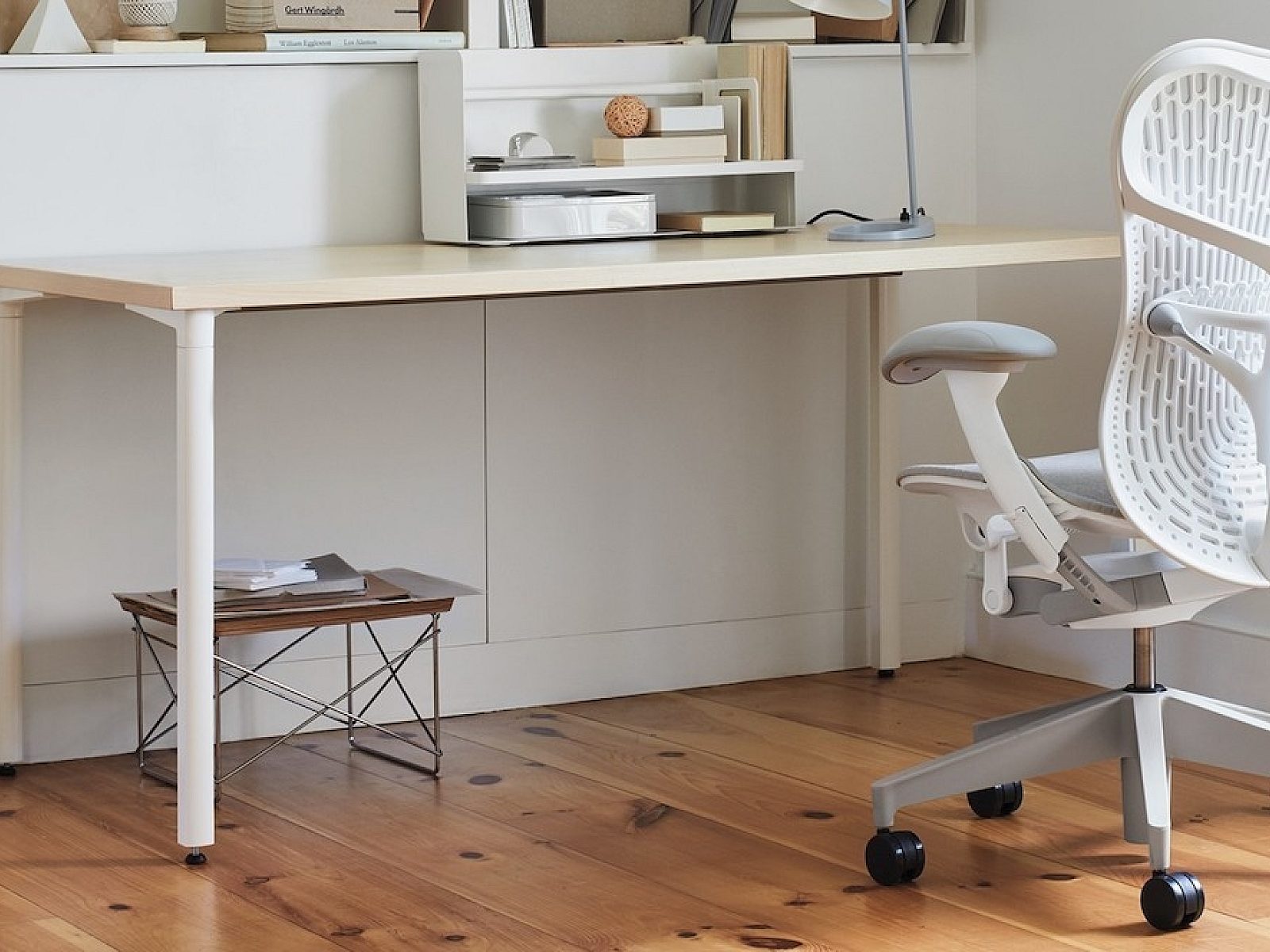
Named for the way it mirrors the body’s movements, Mirra 2 balances immediate comfort and personalized ergonomics in one sophisticated design that can have a professional or playful aesthetic, depending on the color palette. Designed with an “earth first” philosophy, it’s an agile, high-performance chair for people who toggle between individual activities and collaborative work.

Butterfly Suspension
Made from a combination of a fabric-and-polymer backrest and a self-contouring seat material that acts like a suspension membrane, the Butterfly Back is mapped to your body’s anatomy. The result is an ultra-responsive chair that conforms to your shape and provides custom support for your body as it eliminates pressure points.

Triflex Back
The polymer-only TriFlex back has the same self-contouring suspension seat material as the Butterfly Back and the same zones of support created by the size, shape, and pattern of the perforations. Because it doesn’t have any fabric, the TriFlex back meets more rigorous cleaning protocols.

Harmonic 2 tilt
Made possible by kinematic technologies designed around the body’s natural pivot points, the Harmonic 2 tilt enables the chair to move in tandem with your body through a range of postures, keeping you in balance without stressing any part of your body.

Loop spine
Because it connects to the chair in only two areas, the loop spine provides torsional flex, allowing Mirra 2 to move and bend with you as you stretch and reach laterally. It enhances the chair’s responsiveness and gives you a greater range of supported movement.

AireWeave
The elastomeric AireWeave suspension seat conforms to your shape, distributes your weight evenly, and keeps heat from building up as you sit, regardless of how active you are.

Posture Fit
Our patented sacral support, PostureFit supports your spine at its lowest point, the sacrum, and reinforces your pelvis, preventing slouching and fatigue while you sit.
Renew Height Adjustable Tables
Workstations feature the simple up down switch, while the Private Offices include the programable switch.

Up Down Control Adjustment Guide
The table has a height range of 27"–46".
Simply press and hold the up/down arrows to raise and lower the table.

Intuitive Paddle Up Down Control Adjustment Guide
How to adjust the table
Press up on the paddle to raise the table.
Press down on the paddle to lower the table.
How to calibrate the table - If the legs become out of sync during operation
Adjust the table to the lowest height.
Press the paddle down and hold it for 5–10 seconds. Release the paddle.
The table will begin to readjust itself if necessary.
Release the button once the table has stopped moving and clicking.
How to save a lower and upper height limit
Raise or lower the table to desired height.
Locate the black button on the underside of the table, behind the paddle.
Press and hold the black button until you hear two quiet clicks (10–15 seconds).
Once you hear two clicks, release the button.
How to clear a lower or upper height limit
Raise or lower the table to one of the saved height limits.
Press the black button until you hear one click (10–15 seconds).
Once you hear one click, release the button.
Locate the black button on the underside of the table, behind the paddle.
Flo Monitor Arms
Perfect monitor placement for every person, place, and posture

Portrait to landscape
Effortlessly rotate your screen between portrait and landscape orientations without compromising stability, enhancing your viewing experience with the market-leading Flo.

Effortless adjustment for your monitor
The fluid, dynamic movement of Flo monitor arms lets you adjust the position of your monitor with minimum effort and maximum precision—then keep the screen exactly where you need it without taking the time to tighten it. Patented technology gives you a large range of motion and quick, intuitive fingertip control, offering the perfect position to support everyone’s eyes, even people with progressive lenses.

Unsurpassed Range
Up and down, swivel and tilt, portrait or landscape. Flo offers a range of articulation to suit many needs. Flo has a 13.3" height-adjustment range, a 20.6" extension (focal) range, and a +/- 40 degree tilt range.
Your Wellbeing Around The Clock


Five benefits of sit-to-stand movement

Movement improves blood circulation.
Extended stints of sitting still can cause blood to collect in your veins. This can lead to an increased risk for blood clots or deep venous thrombosis. Standing up and moving around can help counteract these processes by reducing blood pressure and increasing circulation in the body.

Movement improves your metabolism.
Depending on your body composition, sitting for 20-45 minutes or more causes the body to enter a hibernation zone. This slows our metabolism to conserve energy instead of expending it. By moving from a seated position to a standing position, you can kickstart your metabolism. Getting into regular cycles of sit to stand behaviour will burn a few more calories per day than sitting.

Movement is good for your back and spine.
Moving helps relieves tension in the back and allows your spine to articulate in its healthiest, natural S-curve position.

Movement gives you an energy boost.
When you feel sluggish, changing postures activates the brain and endorphins so you can focus on the task at hand. The improved blood flow can improve our focused work, engagement on phone calls, and creative work.

Every sit-to-stand movement equals one squat.
When you get ready to sit discreetly hover over your chair for 15 seconds to give the glutes a little extra work out. When you stand, remember to squeeze at the top.
A spacious and ergonomic office pod for one

Framery One Premium
A smart, spacious, one-person office pod optimized for video calls and designed for focus work. Built smart. Made to last.
Framery One is a highly adaptable workspace packed with the latest technology. This soundproof office pod features leading sound insulation and ventilation, and echo-free acoustics to let you focus on your work and connect online with people anywhere.
