








Where creative & productive meet
Welcome to the next era pf the workplace.
Smart and soundproof office pods & workplace solutions for people who get it done
Where creative & productive meet
Welcome to the next era pf the workplace.
Smart and soundproof office pods & workplace solutions for people who get it done

The world’s most advanced soundproof office pod
Framery One Premium is a highly adaptable workspace packed with the latest technology. This soundproof office pod features leading sound insulation and ventilation, and echo-free acoustics to let you focus on your work and connect online with people anywhere.


The world’s most advanced soundproof office pod
The smart and soundproof meeting pod for 1–4 people. Framery Four is the smarter way to meet and get things done together. This soundproof meeting pod features leading sound insulation and ventilation, and echo-free acoustics to let you focus on your work and connect online with people anywhere.

User Guide

Left or Right Handed
1. Pull the door open
2. Step into the pod
3. Close the door

Adjusting the Seat Height
1. Sit on the chair to determine the possible need for adjustment
2. To adjust the chair to a lower position, gently pull up on the lever on the side until the correct height is reached
3. To adjust the chair to a higher position, lighten your weight off the seat and gently pull up on the lever at the side until the correct height is reached.

Adjusting the Table Height
1. To adjust the table to a lower position, press the right-hand down button on the table handset.
2. To adjust the table to a higher position, press the left-hand up button on the table handset.

Using the various plugs
1. To connect a device to the power outlet, USB-C connector or LAN connector (optional), connect one end of the cord in question to your device and insert the other end to the corresponding connector in the control panel.
2. To disconnect the disconnect from any outlet in use, disconnect the cord in question from the connector in the control panel

Using the Wireless Charger
1. To activate the wireless charging, place your compatible device on top of the wireless charging sticker, located at the top left-hand side of the table top
2. To deactivate wireless charging, remove the device.

Adjusting the lights
1. Press the light icon on the main menu of the control panel
2. Press Work mode or Video Mode. The lights are automatically adjusted to a brightness suitable for either working in the pod or video conferencing.
3. To manually adjust the lights, choose the light that you want to adjust (ceiling light or VCR light) and slide the corresponding level up (brighter) or (down) dimmer.
4. To return to the main menu, press the light icon.

Adjusting the fans
1. Press the fan icon on the main menu of the control panel
2. To adjust the level of ventilation, slide the level up (more ventilation) or down (less ventilation)
3. To return to the main menu, press the fan icon

Left or Right Handed
1. Push the door open
2. Step out of the pod
3. Close the door

A perfectly-engineered office pod
The world’s most advanced office pod featuring the world’s most advanced capabilities.

A built-in UI panel puts you in control of the pod’s lighting, ventilation, and reservation status.
ADVANCED BOOKABILITY: Sync your Framery One with your workplace calendar and it automatically makes a reservation upon user entry.

Surround yourself in silence and let the focus flow.
Guaranteed privacy with speech level reduction of 30dB and one of the industry’s top ISO 23351-1 ratings for office phone booths.
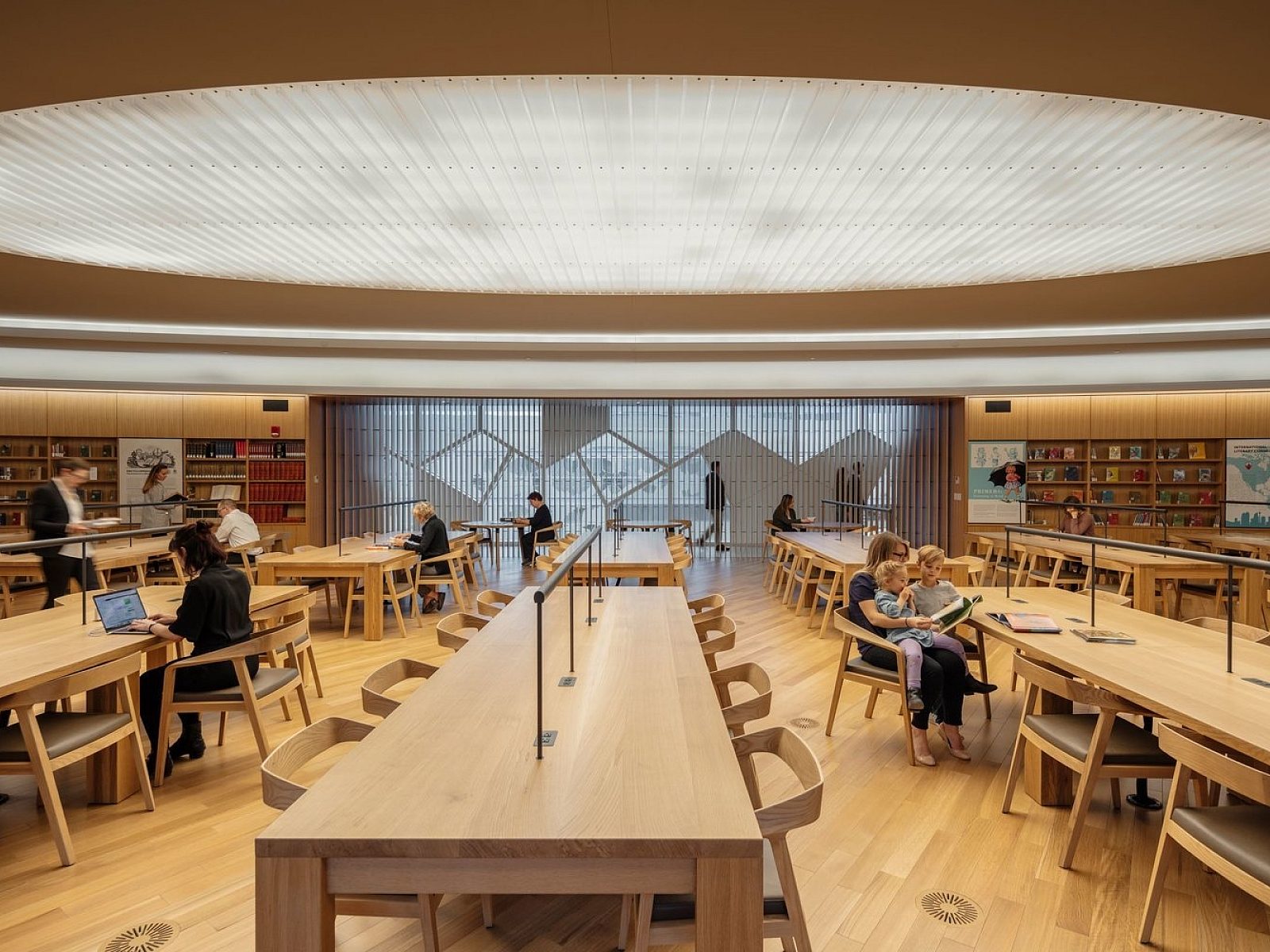
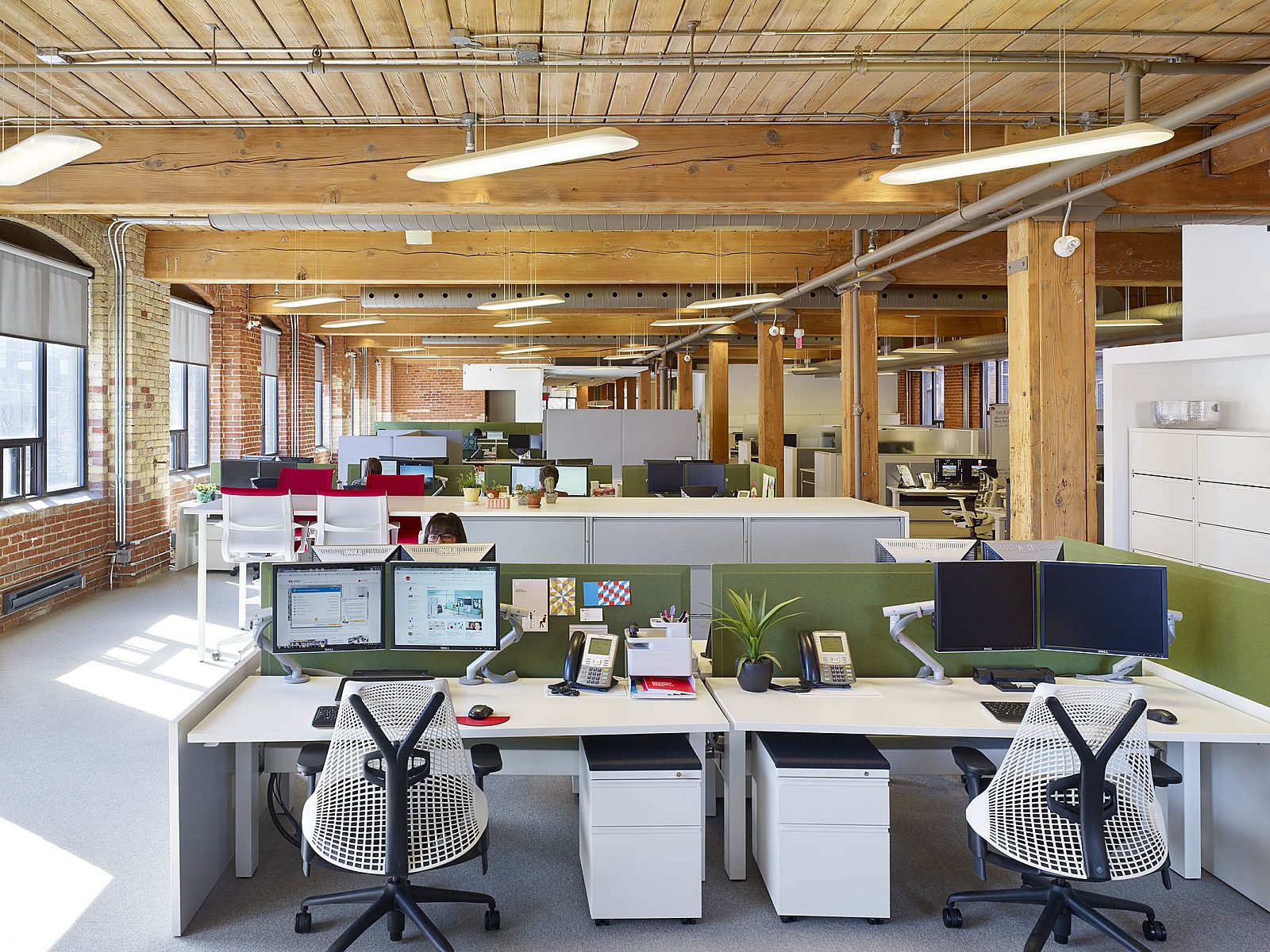
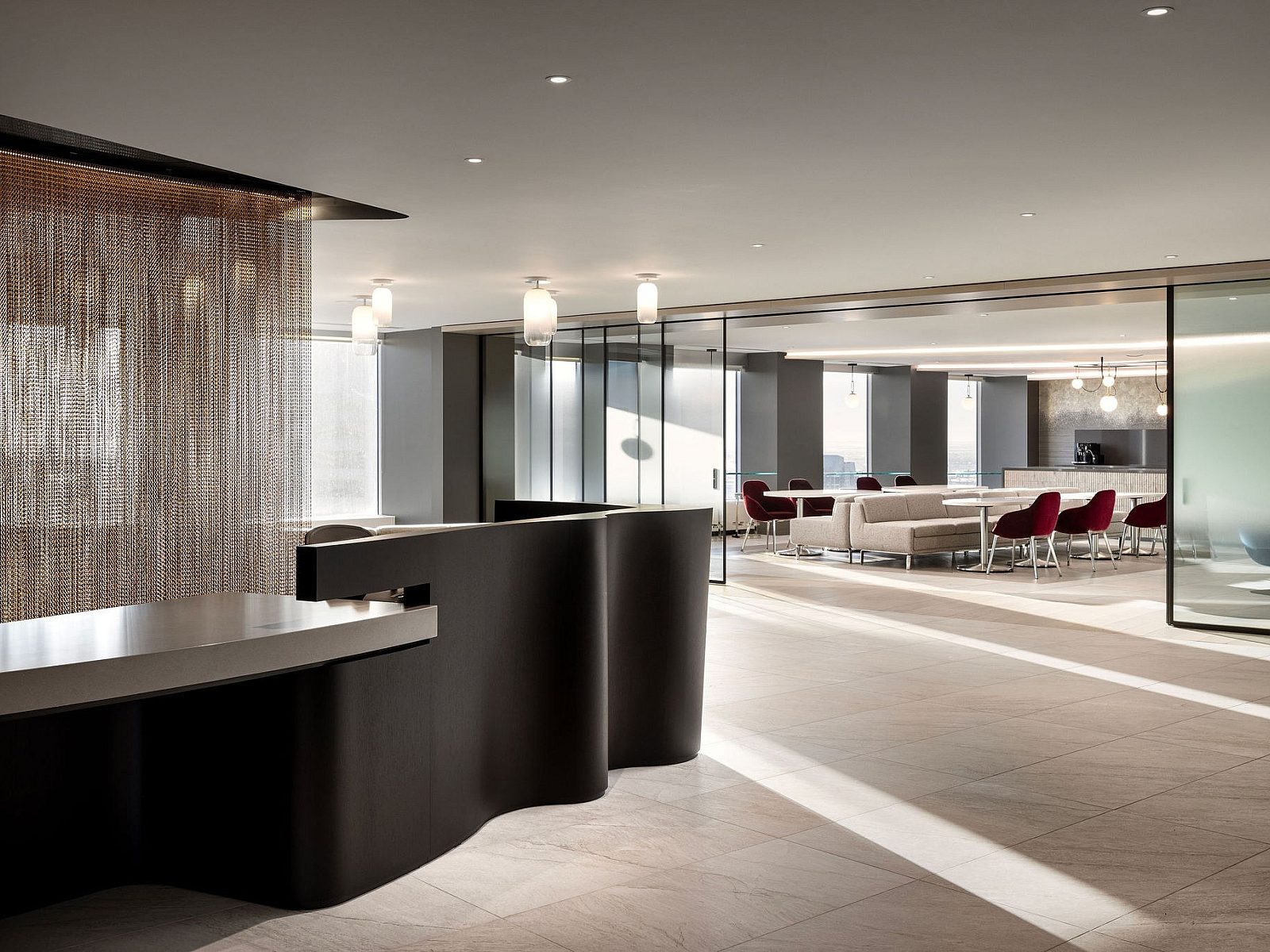
Recently completed projects in Canada with Framery Pods


